
How I Can Help
Practical help with the technology you use every day, from setting up new devices and solving problems to staying safe online.

Computers and Laptops
Whether you are setting up a new computer, having problems with an existing one or simply want to understand how something works, I can help.
I can help with:
Setting up a new computer or laptop
Email and internet access
Printers and other accessories
Software and applications
Files, photos and document storage
Updates and general computer problems
Understanding settings and features
The aim is to get your computer working properly and help you feel confident using it.
TV & Streaming
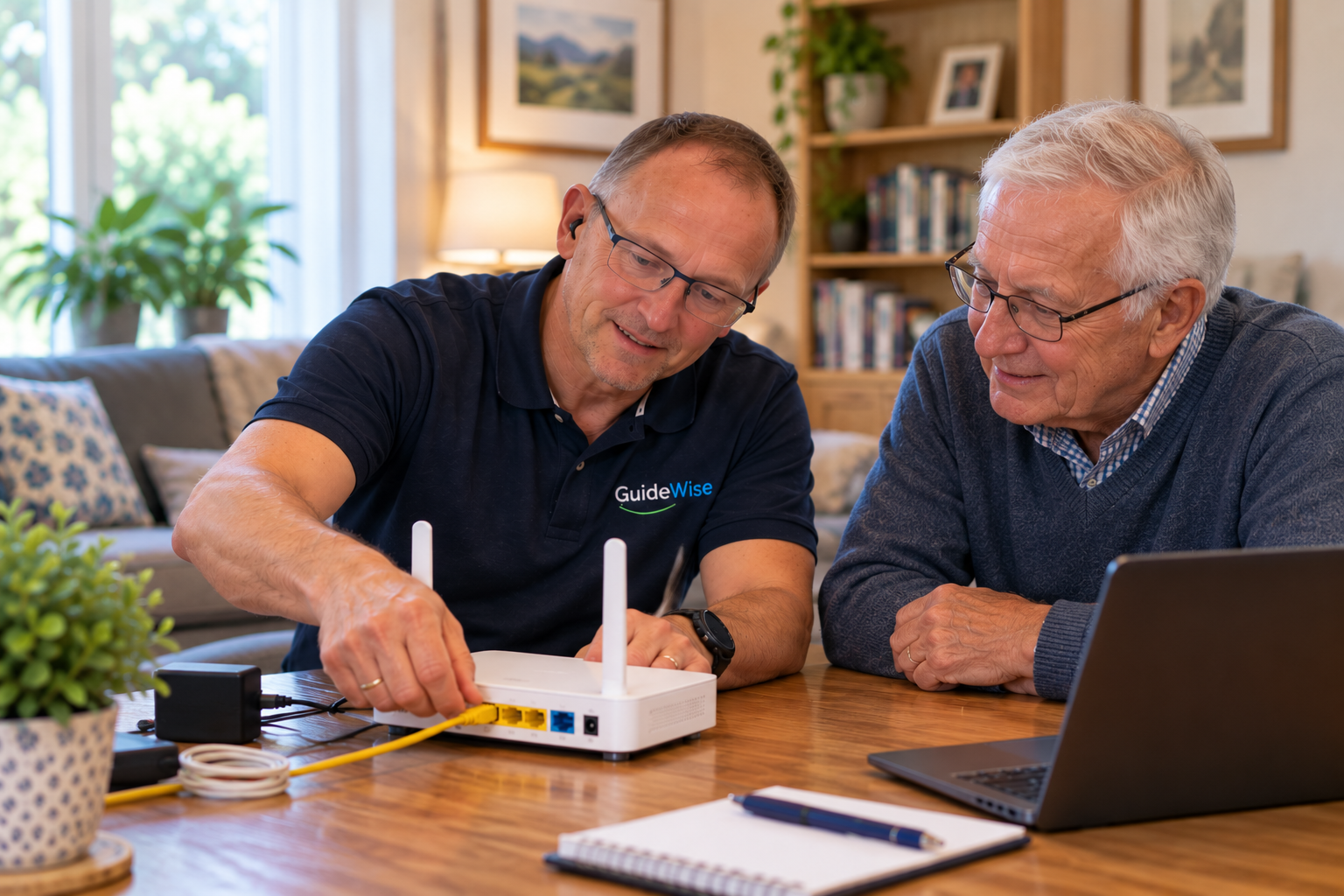
TVs today can do much more than simply receive television channels. I can help you set up your TV, connect your devices and understand the streaming services you use.
I can help with:
Setting up a smart TV
Connecting streaming devices
BBC iPlayer, ITVX, Netflix and other services
Connecting soundbars and other equipment
Setting up remote controls
Connecting your TV to Wi-Fi
Understanding how your TV and streaming services work
The aim is to make your television easier to use and help you get the most from the services you already have.
New Technology
Thinking about buying a new phone, tablet, computer or other technology? I can help you understand the options and choose something that suits the way you use technology.
I can help with:
Understanding what different devices can do
Choosing technology that suits your needs
Comparing different options
Setting up new devices
Transferring information from an existing device
Connecting new technology to your home network
Getting to know your new device
The aim is to help you make informed choices and get your new technology working properly from the start.
Phones and Tablets
Getting a new phone or tablet set up can involve quite a few steps. I can help you get everything working properly and make sure your important information is transferred safely.
I can help with:
Setting up a new phone or tablet
Moving contacts, photos and other information
Setting up email and apps
Setting up accounts and services
Adjusting settings and accessibility features
Understanding how your device works
The aim is to make sure your device is set up properly and that you feel confident using it.
Wi-Fi & Internet
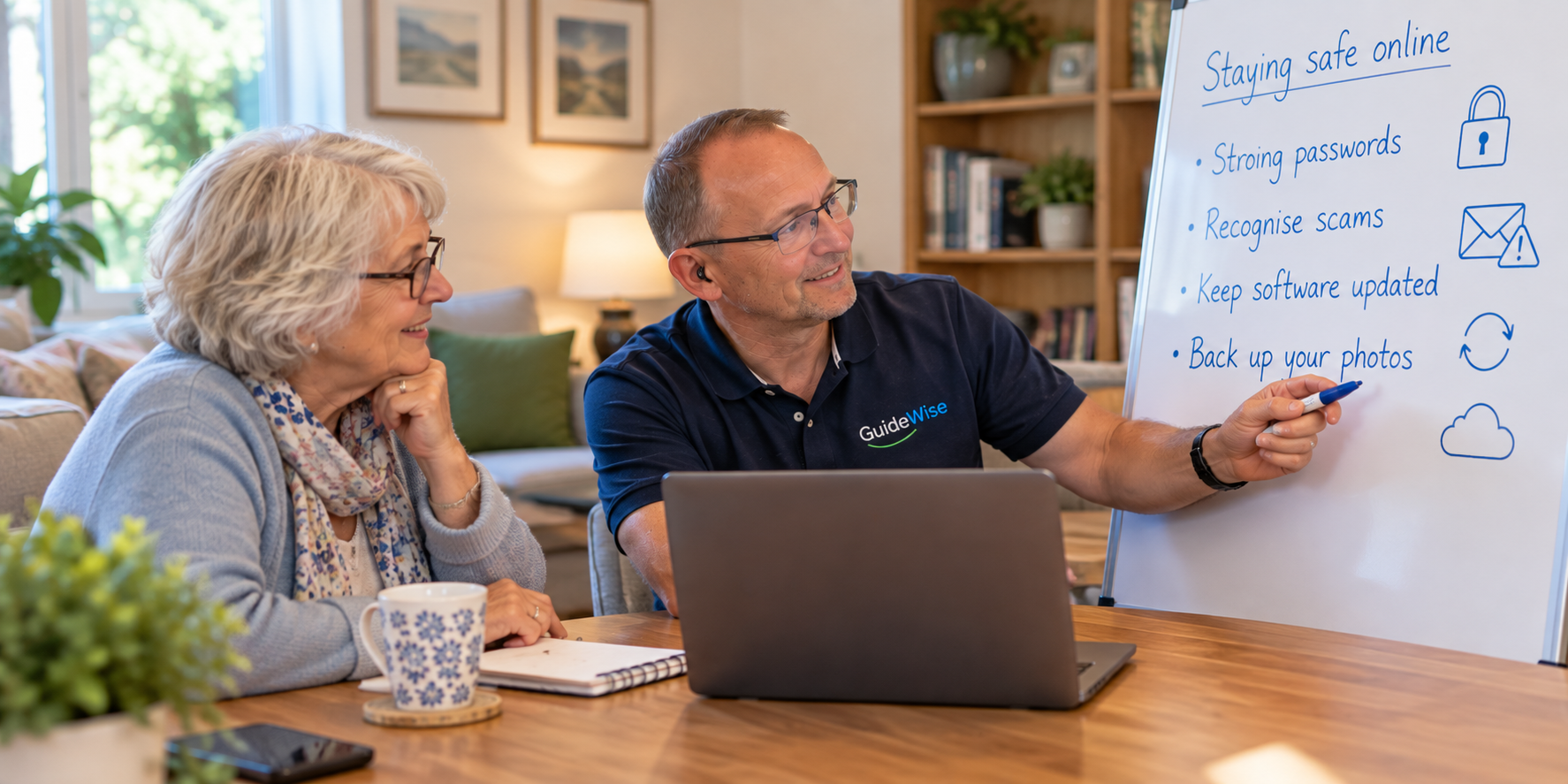
A reliable internet connection is important for many of the things you do at home. I can help when your Wi-Fi is unreliable, devices won't connect or you are unsure whether your home network is set up correctly.
I can help with:
Setting up a new router or Wi-Fi system
Connecting phones, tablets, computers and TVs
Improving Wi-Fi coverage around your home
Troubleshooting connection problems
Connecting smart devices
Understanding your home network
Basic Wi-Fi security
The aim is to give you a reliable connection and help you understand how your devices connect to your home network.
Online Safety
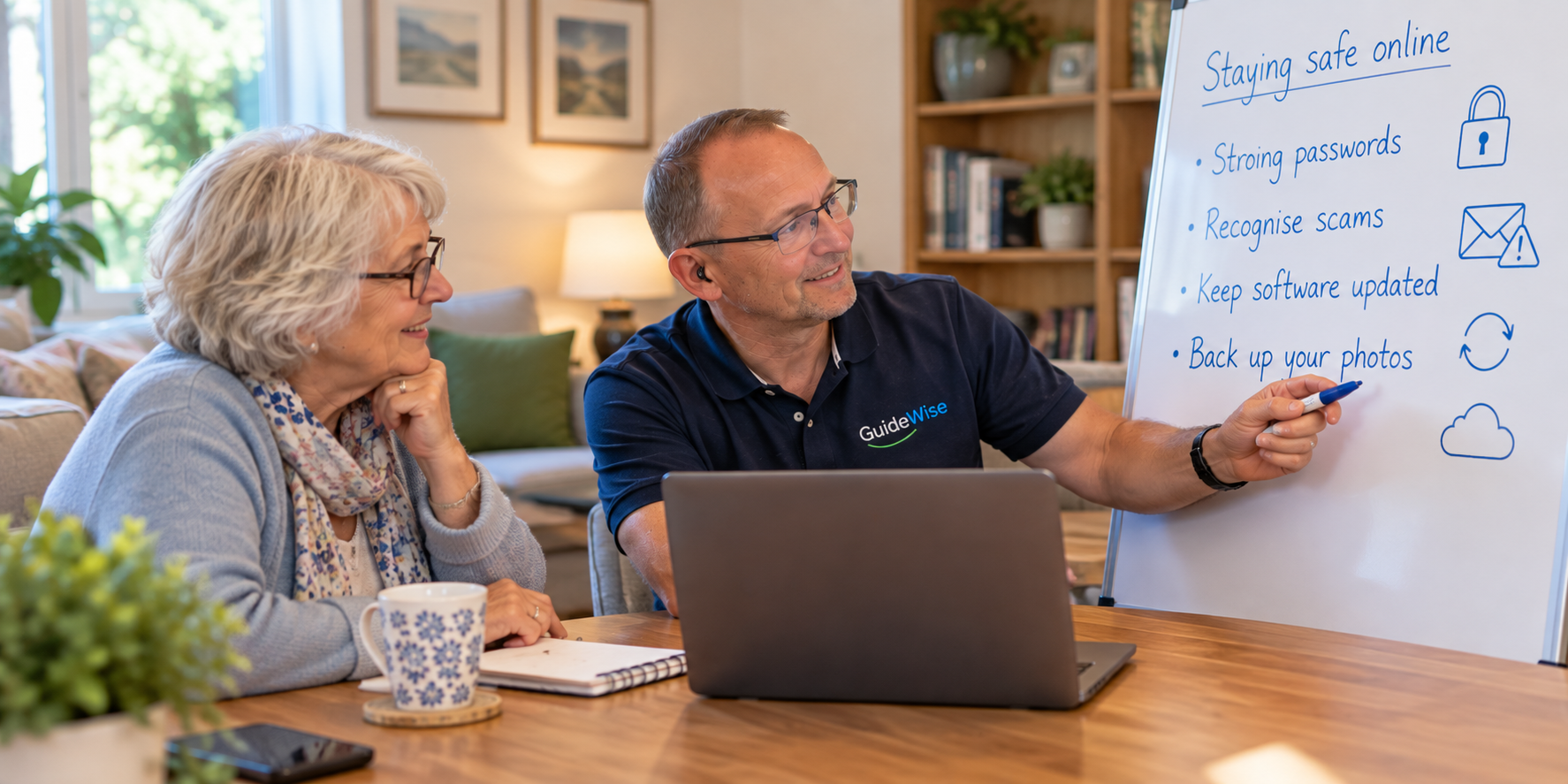
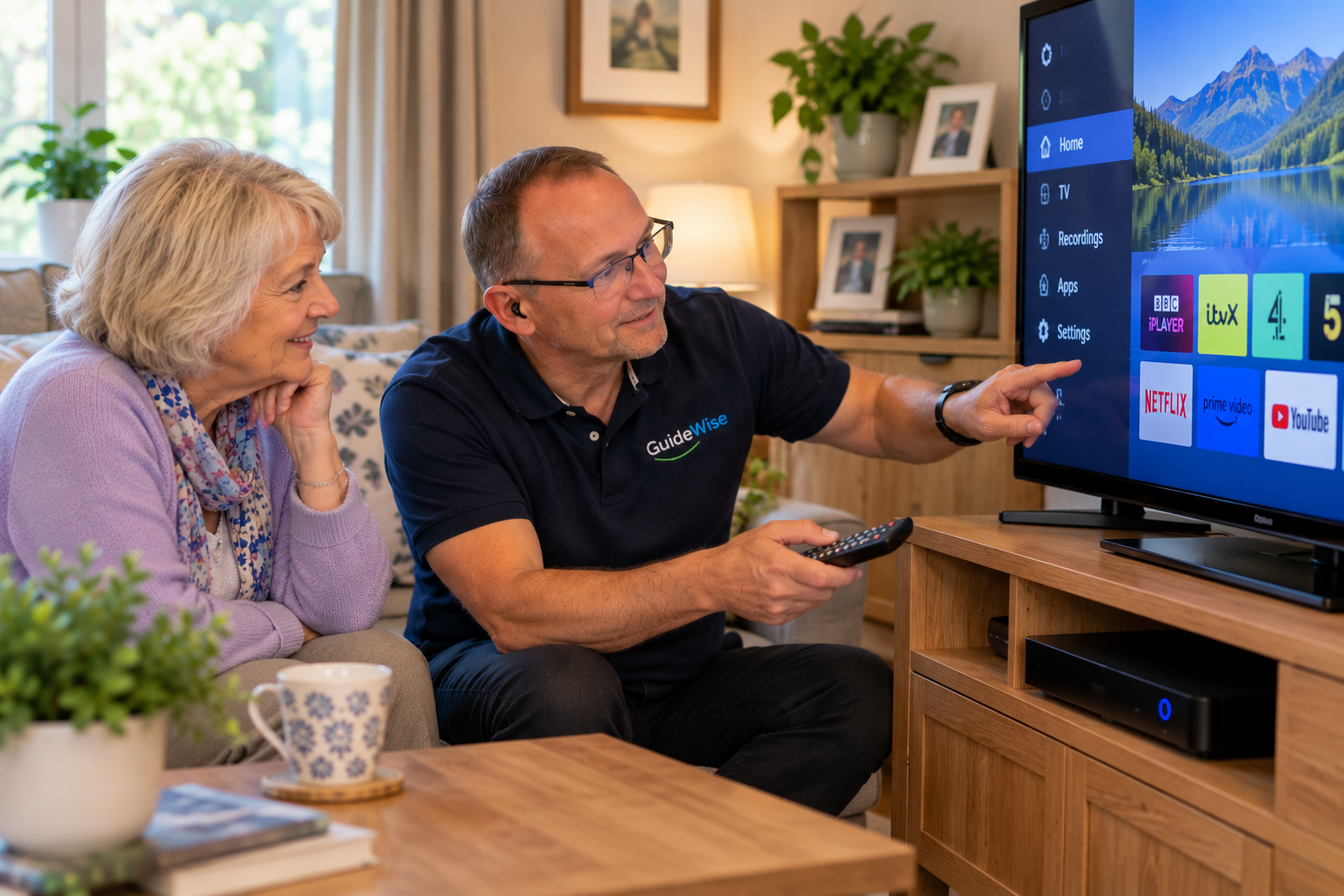
Staying safe online is increasingly important, but knowing what is genuine and what isn't can sometimes be difficult. I can help you understand the risks and make your accounts and devices more secure.
I can help with:
Recognising common scams and suspicious messages
Passwords and password managers
Setting up two-step verification
Reviewing account security
Safer online shopping and banking
Keeping devices and software up to date
What to do if you think you have been scammed
The aim is to help you use technology with greater confidence and recognise potential risks before they become problems.

More than just fixing a problem
GuideWise is about more than fixing a problem and moving on. I'll explain what I'm doing, answer your questions and make sure you understand the solution.
Where appropriate, I'll also show you how to deal with the same issue yourself in future.
What Happens Next
1. Get in touch
Tell me what you need help with. You don't need to know the technical terms.
2. Arrange a convenient time
We'll arrange a time that works for you. Many issues can be dealt with in your home, while some can be handled remotely.
3. We'll work through it together
I'll deal with the problem, explain what I'm doing and answer any questions you have.
4. Feel confident using it
The aim is to leave you with your technology working properly and a better understanding of how to use it.
Technology not working as it should?
Whether you have a problem, are setting up something new or simply want someone to explain how your technology works, get in touch.
Ready to Get Started?
Send a message and we’ll get back to you!